Account Deletion Guide
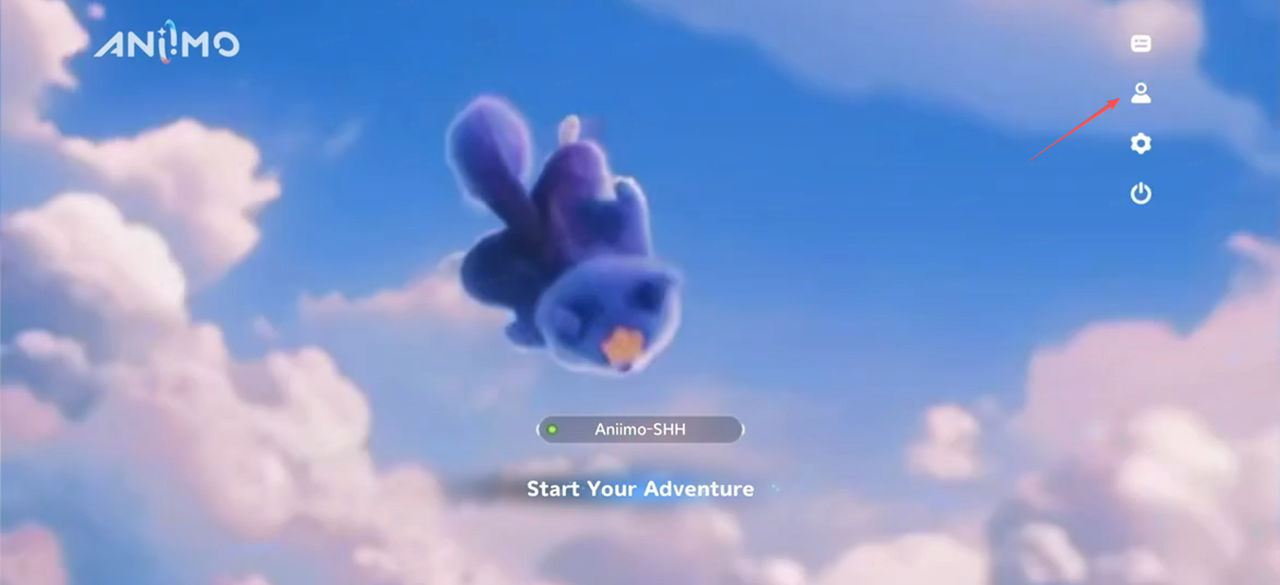
- Click to enter " User Center"
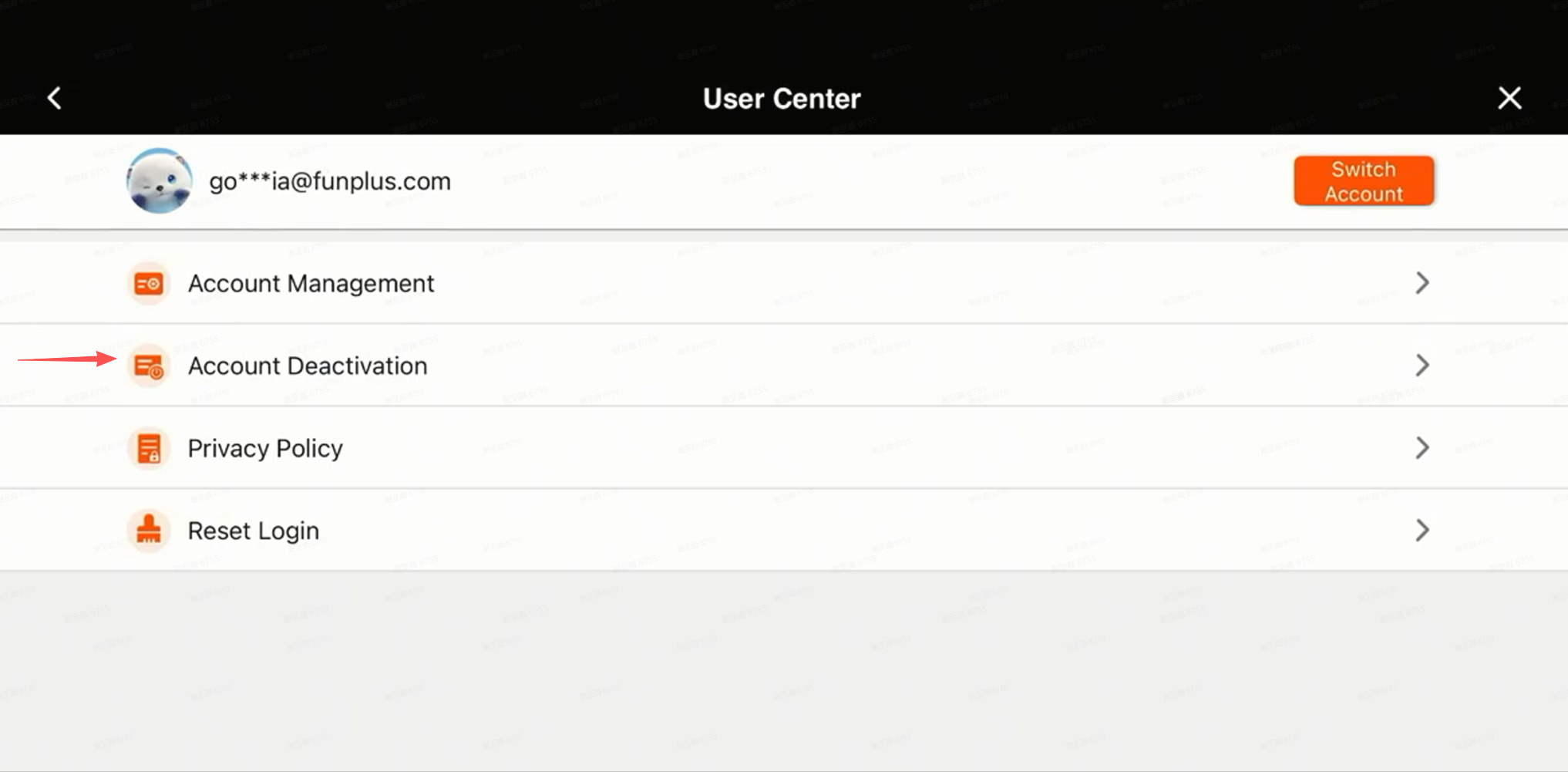
- Click "Account Deactivation"
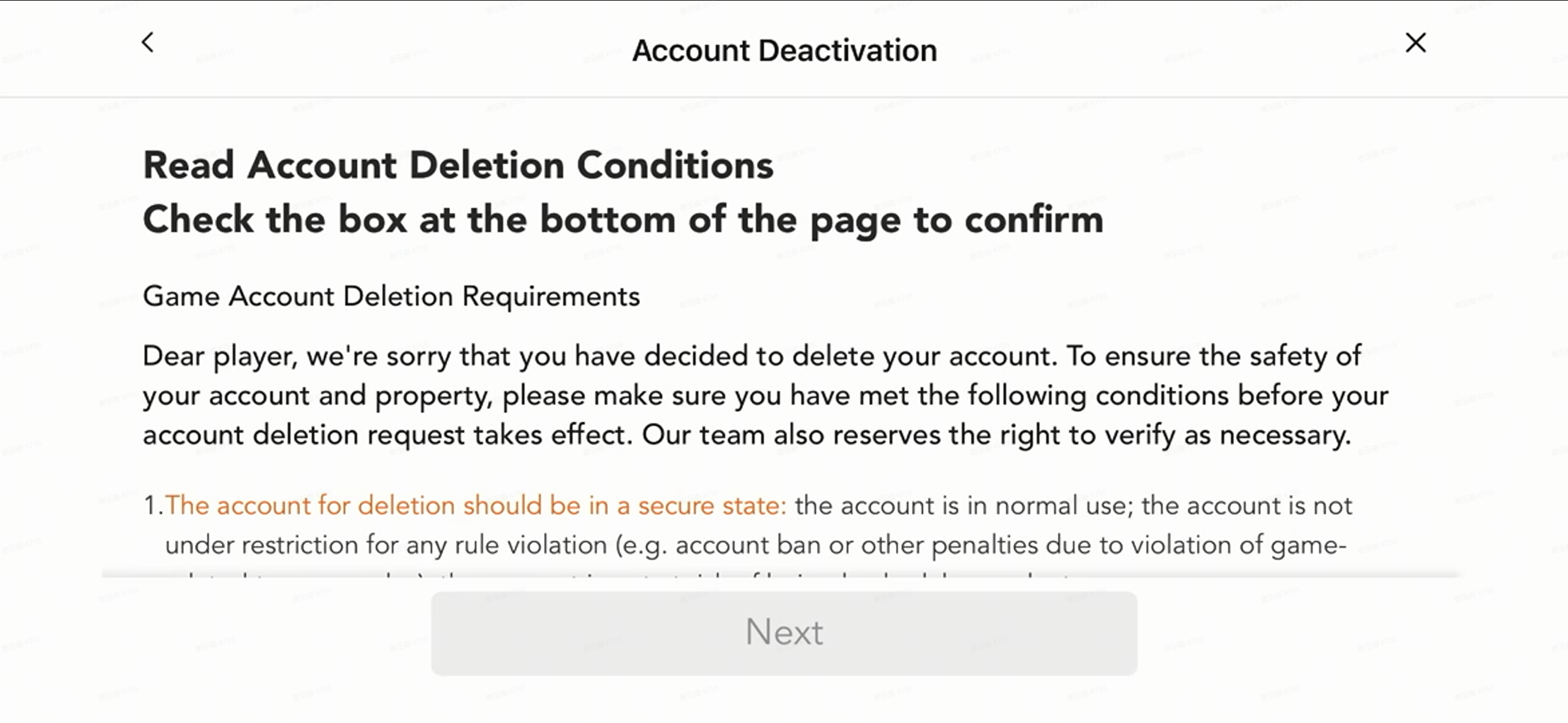
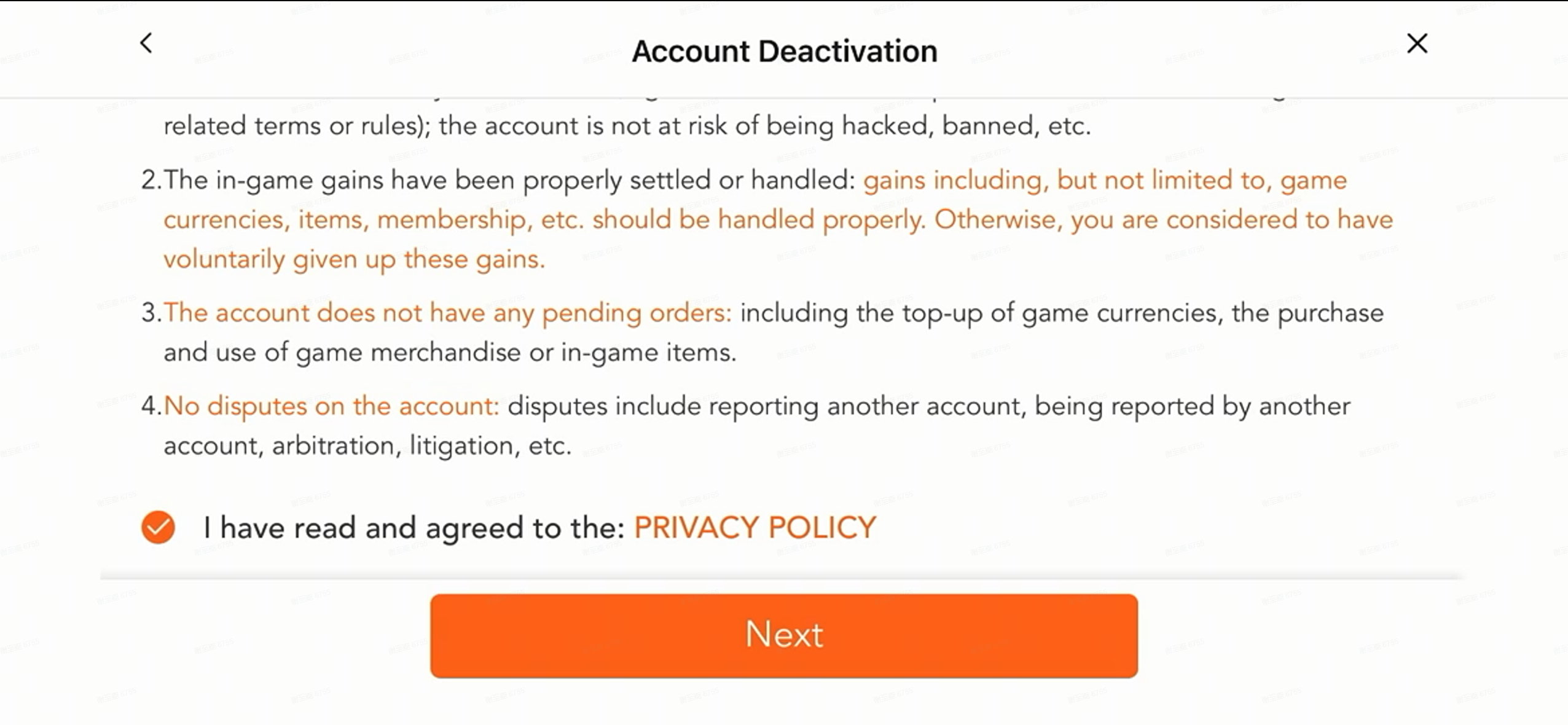
- Read Account Deletion Conditions Check the box at the bottom of the page to confirm
- Check "I have read and agreed to the: PRIVACY POLICY" and click "Next"
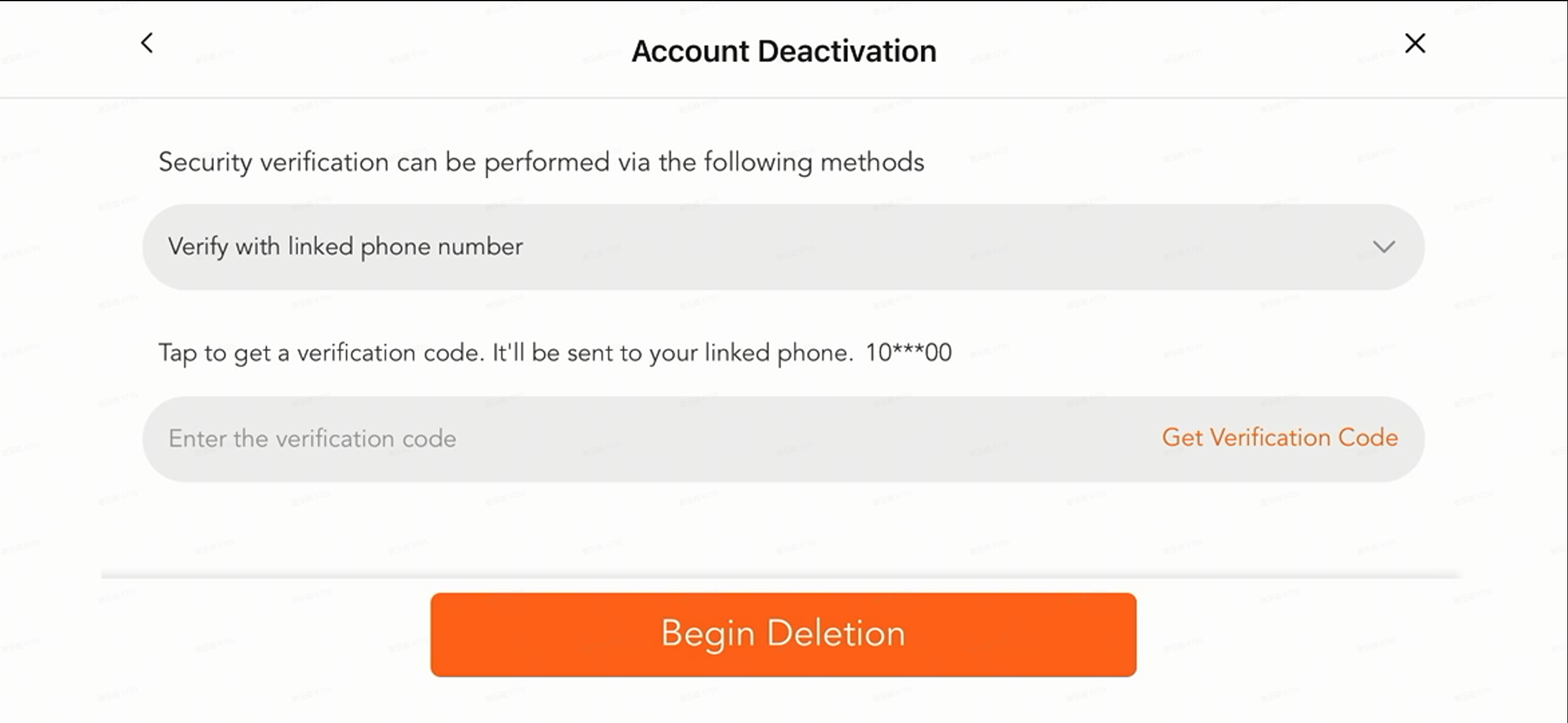
- Verify with linked phone number/email, and click "Begin Deletion"
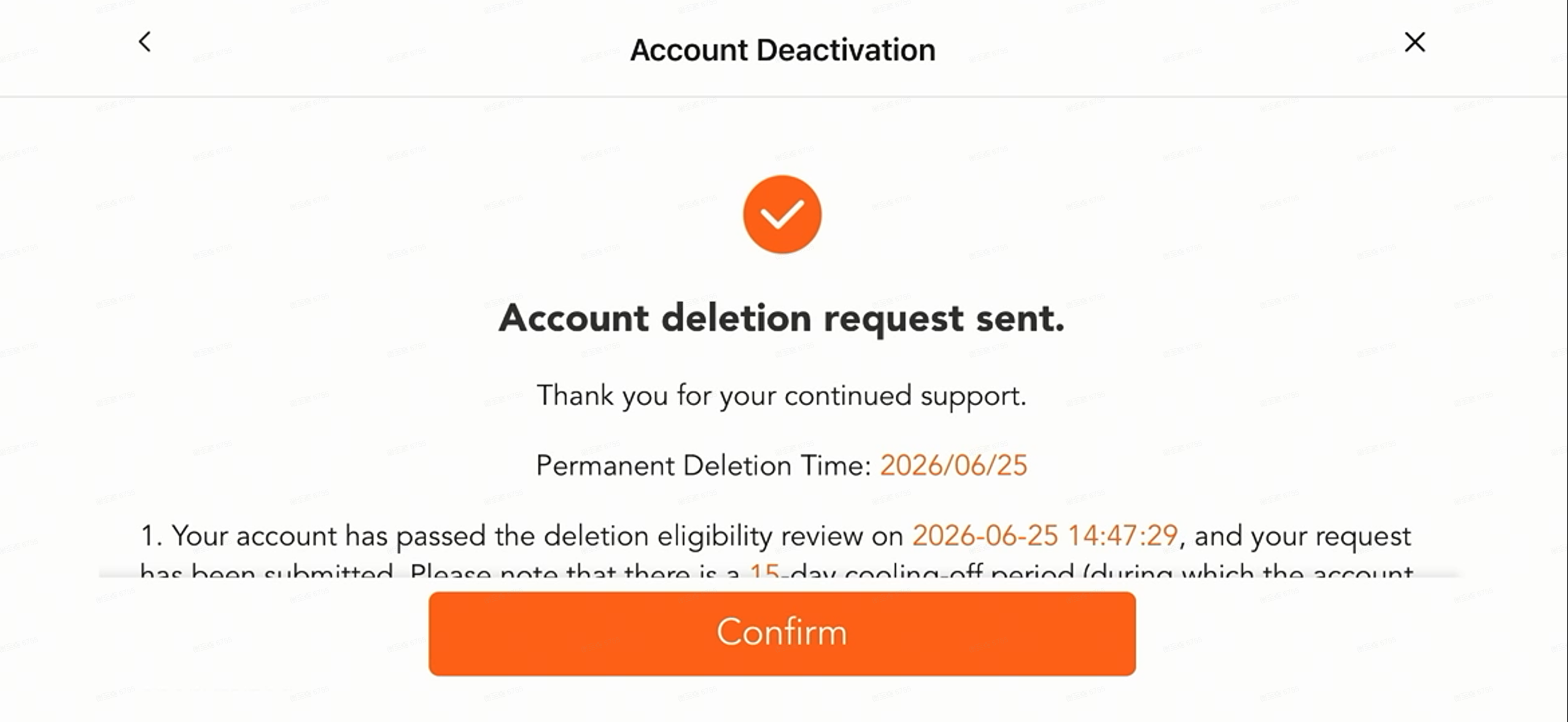
- Account deletion request sent. Wait for permanent deletion time